Stuck? Help is one click away, on every screen.
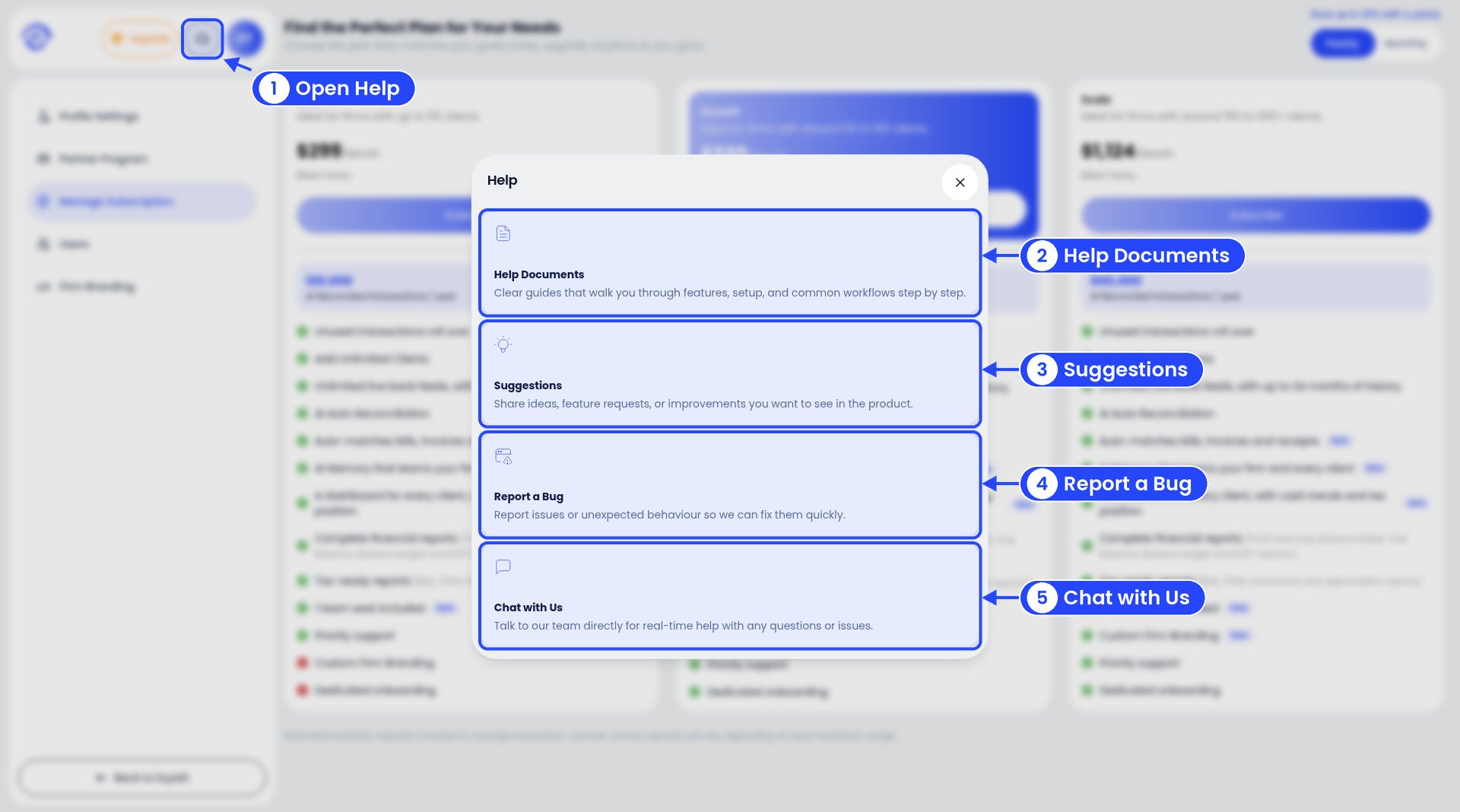
The Help window with numbered callouts on the headset button, Help Documents, Suggestions, Report a Bug and Chat with Us

The Help window

  1. Click the headset icon at the top of the sidebar. The Help window opens.
  2. Help Documents opens these guides.
  3. Suggestions lets you share an idea or ask for a feature.
  4. Report a Bug lets you tell us when something isn’t working.
  5. Chat with Us starts a live chat with our team.
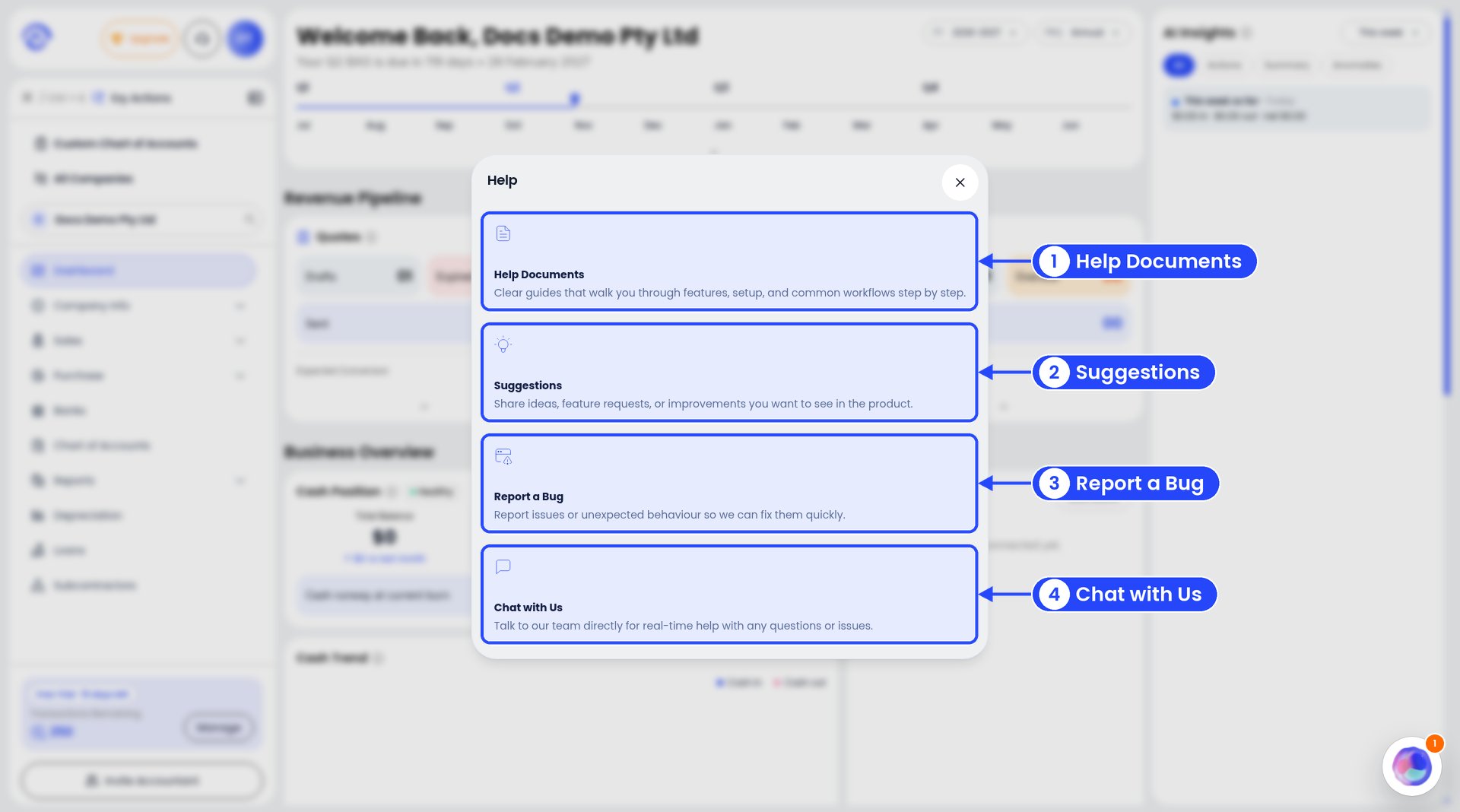
Business owners get the same Help window, with the same four options.
The Help window on a business account with callouts on Help Documents, Suggestions, Report a Bug and Chat with Us

The Help window on a business account

When you report a bug, tell us the client, the screen and what you clicked. A screenshot helps too. Please blur any private details first.
You can also email us at support@ezyiah.com.au.