

Open Settings
Click your initials (your avatar) at the top of the sidebar, then click Settings. Or press Ctrl + K (Windows) or Cmd + K (Mac) and pick a page under Settings.What’s in Settings
The menu on the left has five pages: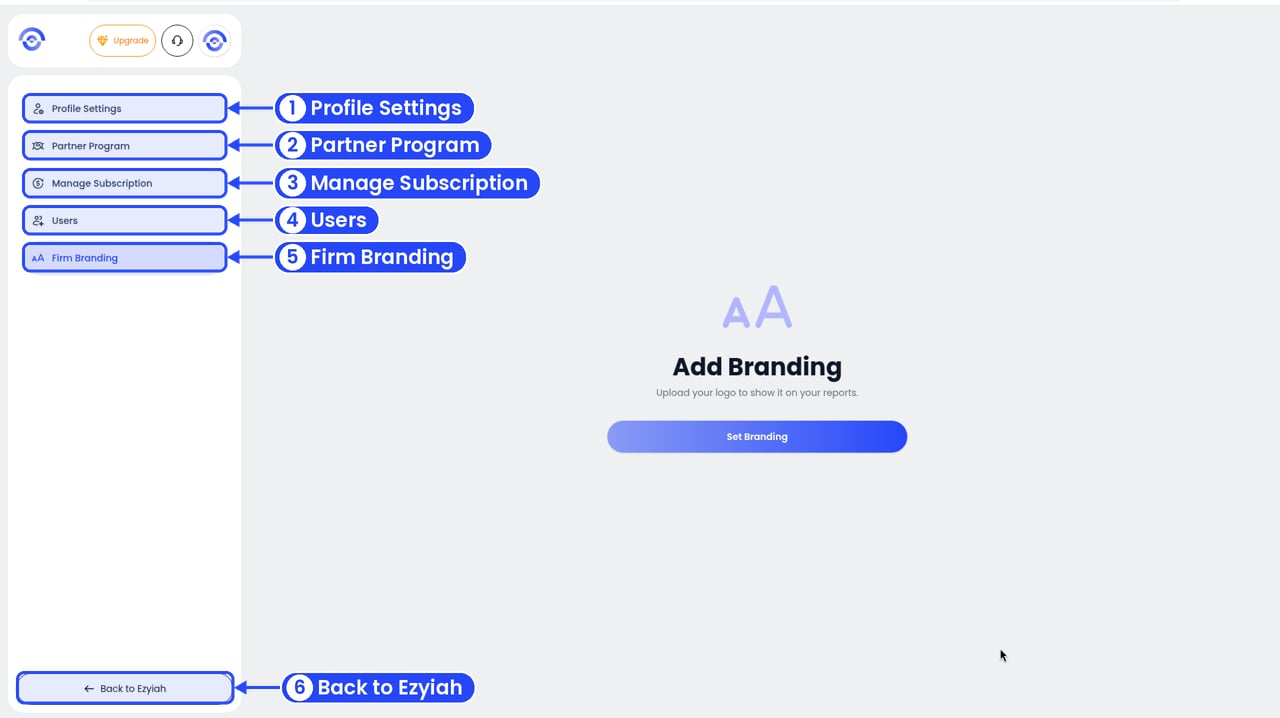
The Settings menu
To leave Settings, click Back to Ezyiah at the bottom of the menu.