

Add another business
1
Open All Companies
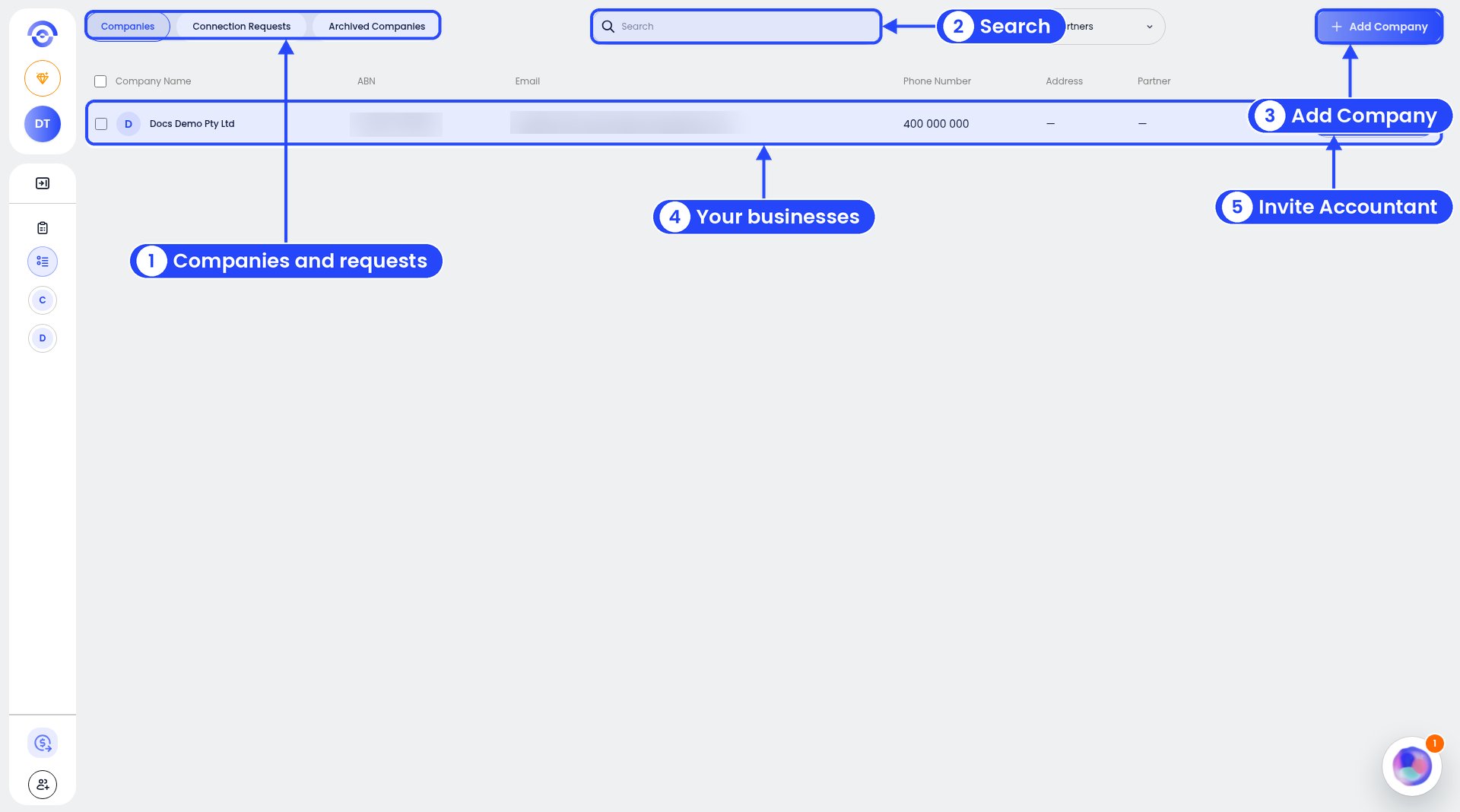
All Companies
2
Click Add Company
It’s at the top right.
3
Fill in the business details
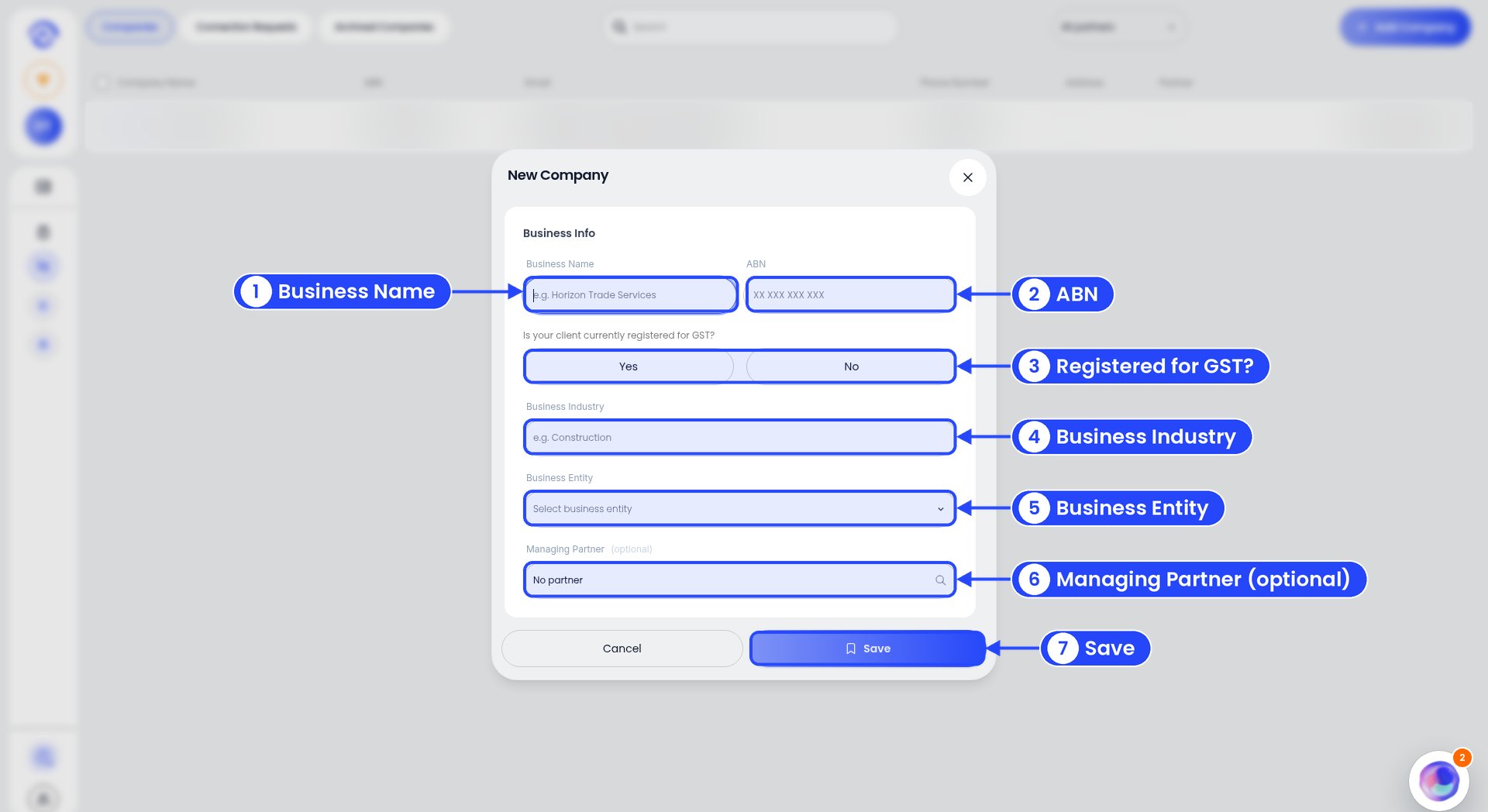
Step 3: the New Company window
- Business Name
- ABN (11 digits, XX XXX XXX XXX)
- Is your client currently registered for GST? Click Yes or No.
- Business Industry, for example Construction
- Business Entity (pick from the list)
- Managing Partner (optional). Leave it as No partner if you don’t have one.
- Connection Requests lists requests from accountants. With none, it says “No connection requests.”
- Archived Companies lists businesses you’ve archived. With none, it says “No archived companies.”
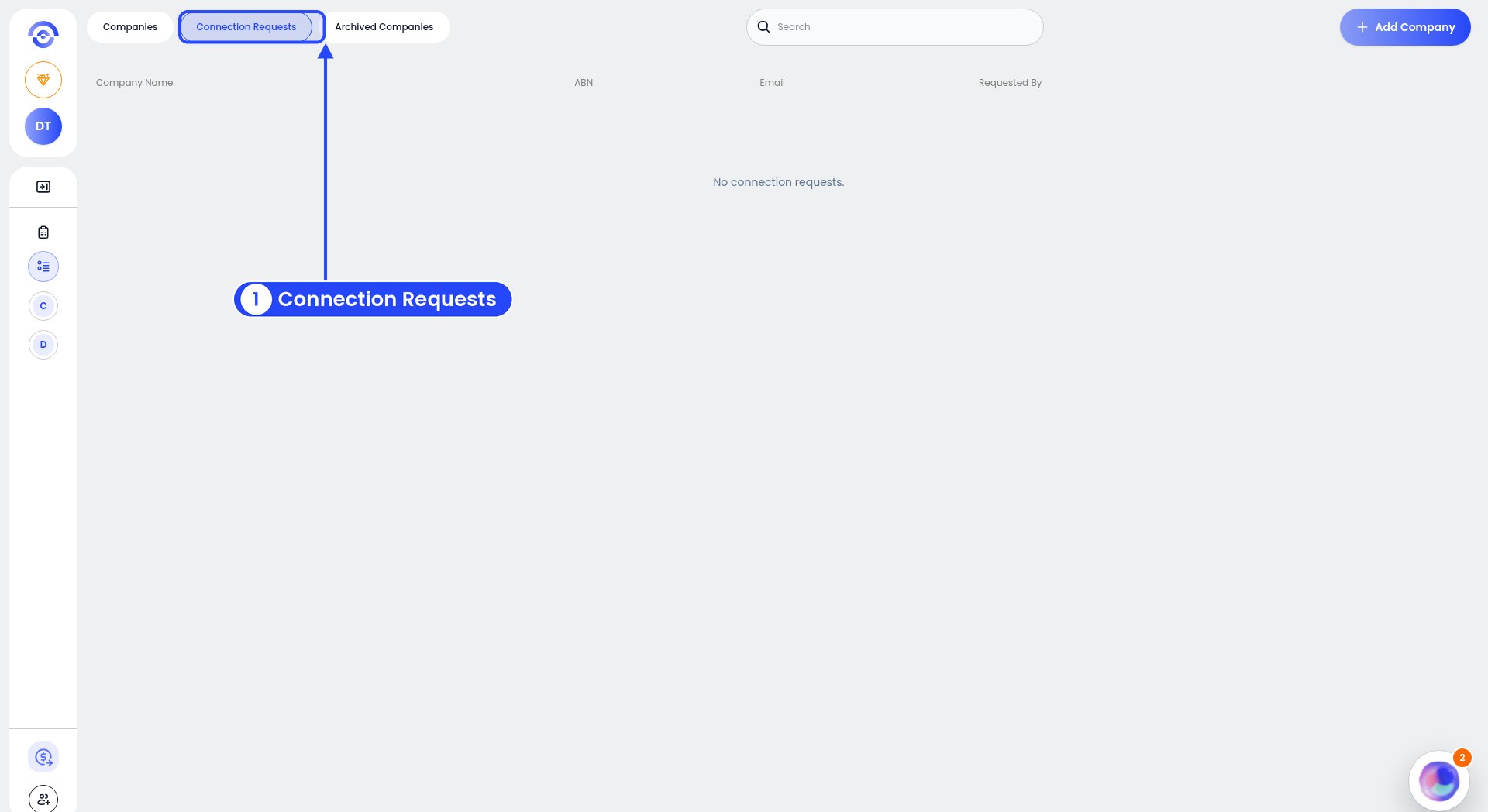
The Connection Requests tab
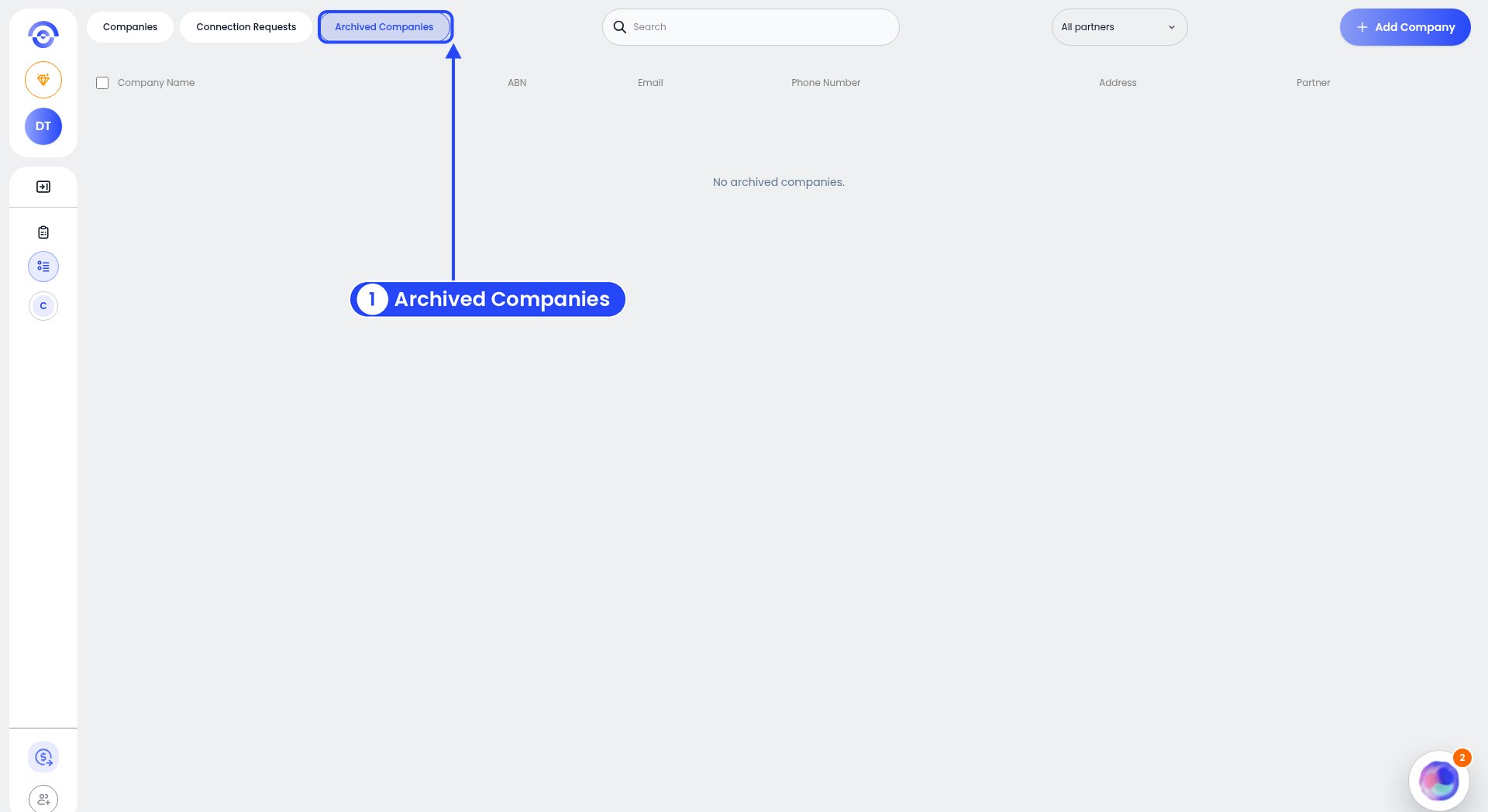
The Archived Companies tab
Switch between businesses
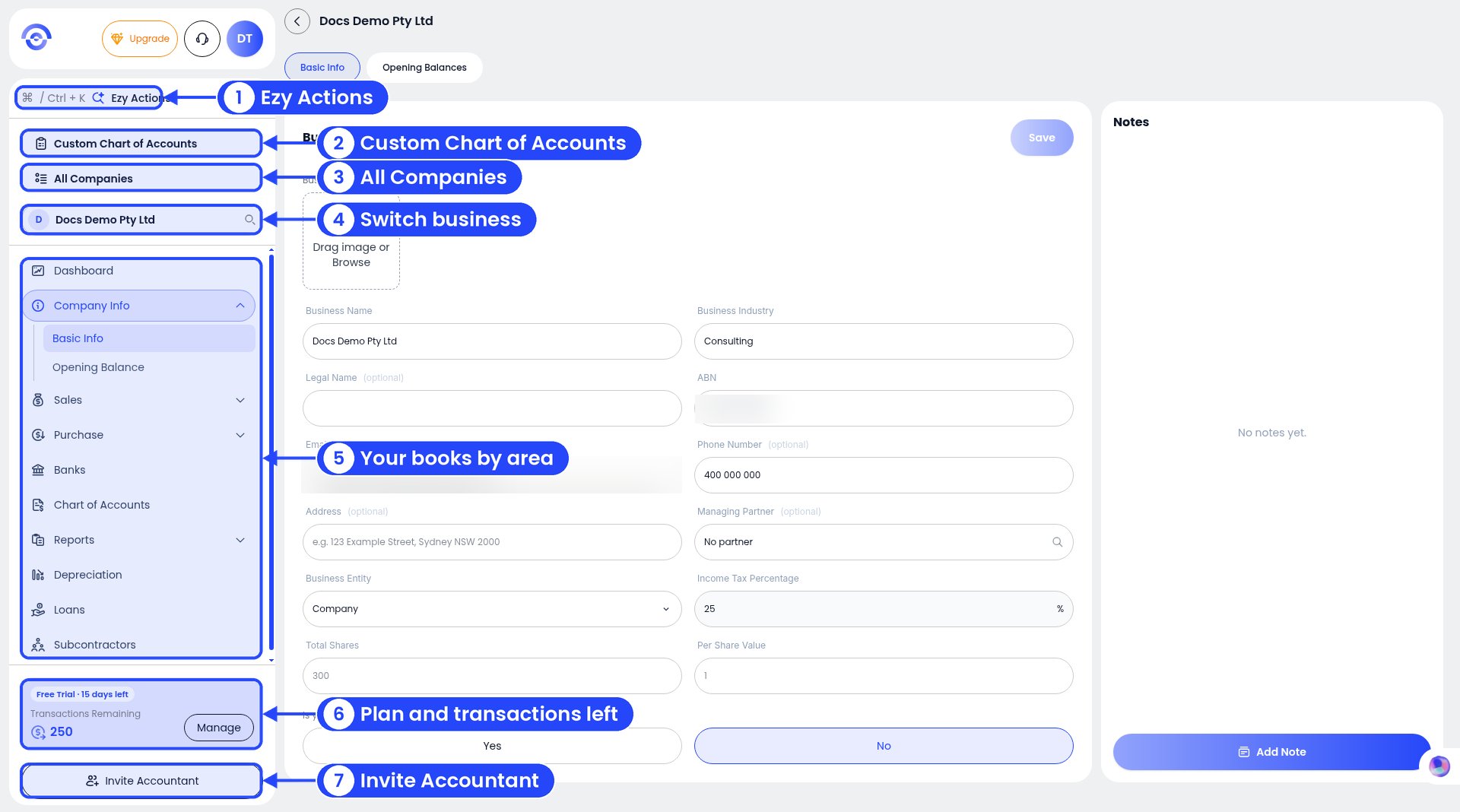
The sidebar: All Companies (3) and the business search box (4)
- Type the business name in the search box under All Companies in the sidebar. It shows the business you’re in now.
- Click a business in All Companies.
- Press Ctrl + K (Windows) or Cmd + K (Mac) to open Ezy Actions, then type @ and the business name.