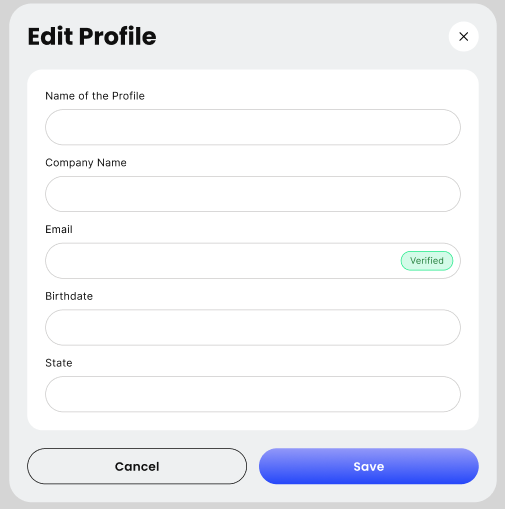
Managing Your Details
Step 1: Access Personal Details
From your main dashboard, click on Settings in the sidebar. Ensure you are on the Personal Details tab (this is usually the default landing page for Settings).
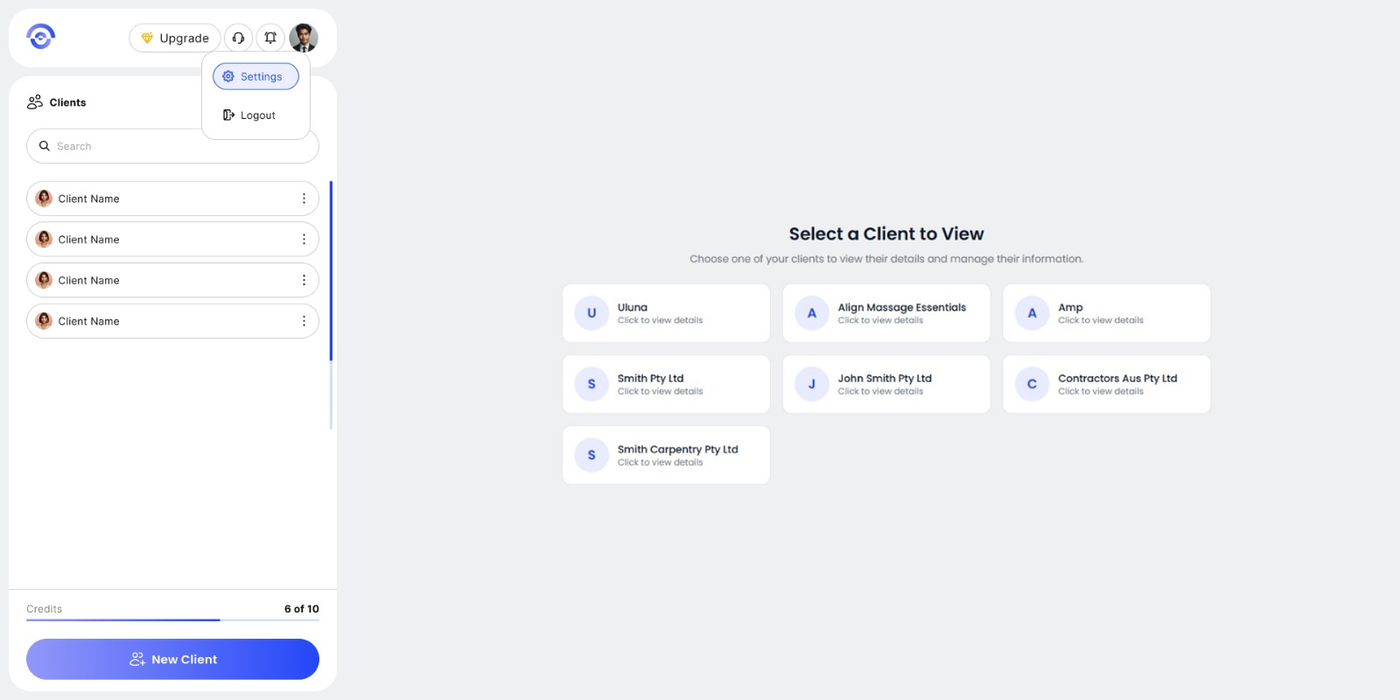
Step 2: Modify Your Information
You can update any of the following fields to reflect changes in your practice:
Full Name: Update the primary account holder's name.
Company Name: Update the official name of your firm.
Note: Changing the Company Name here will update the branding on your future reports.
Phone Number: Update your primary contact number.
Date of Birth: Update or correct your DOB if necessary.
Step 3: Save Changes
After making your edits, click the Save Changes button at the bottom of the form. A confirmation banner will appear at the top of the screen to notify you that your details have been updated successfully.