Cancelling Your Subscription
We aim for maximum flexibility. If you need to end your subscription:
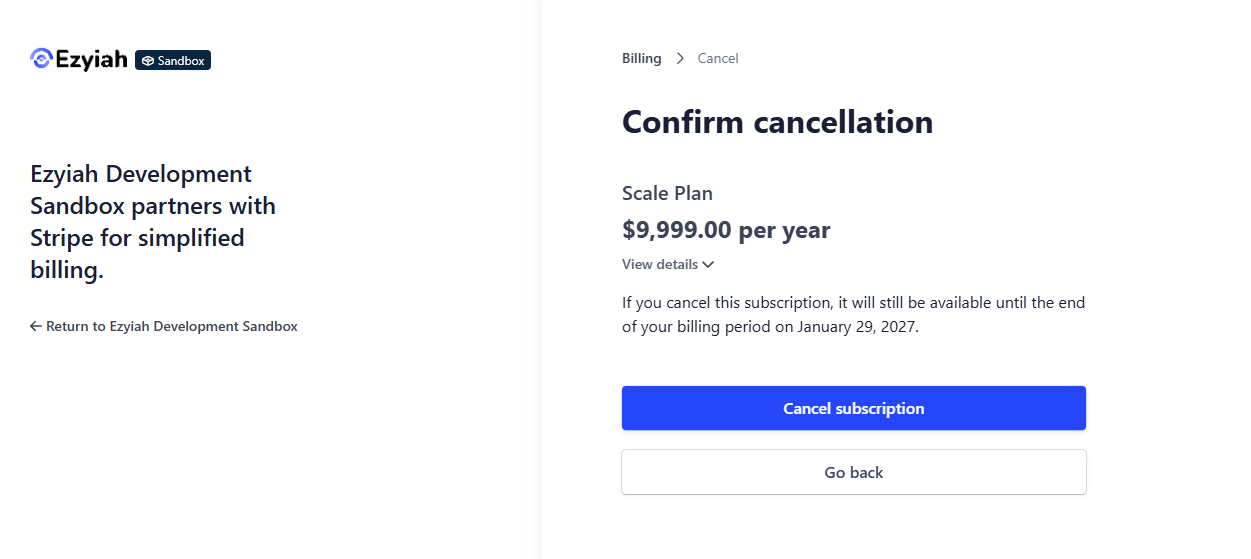
Step 1: Open the Billing Dashboard
Navigate to Settings and select the Billing tab. Here you will see your current active plan and billing cycle. Locate the Cancel Subscription link, typically found at the bottom of the plan details card.
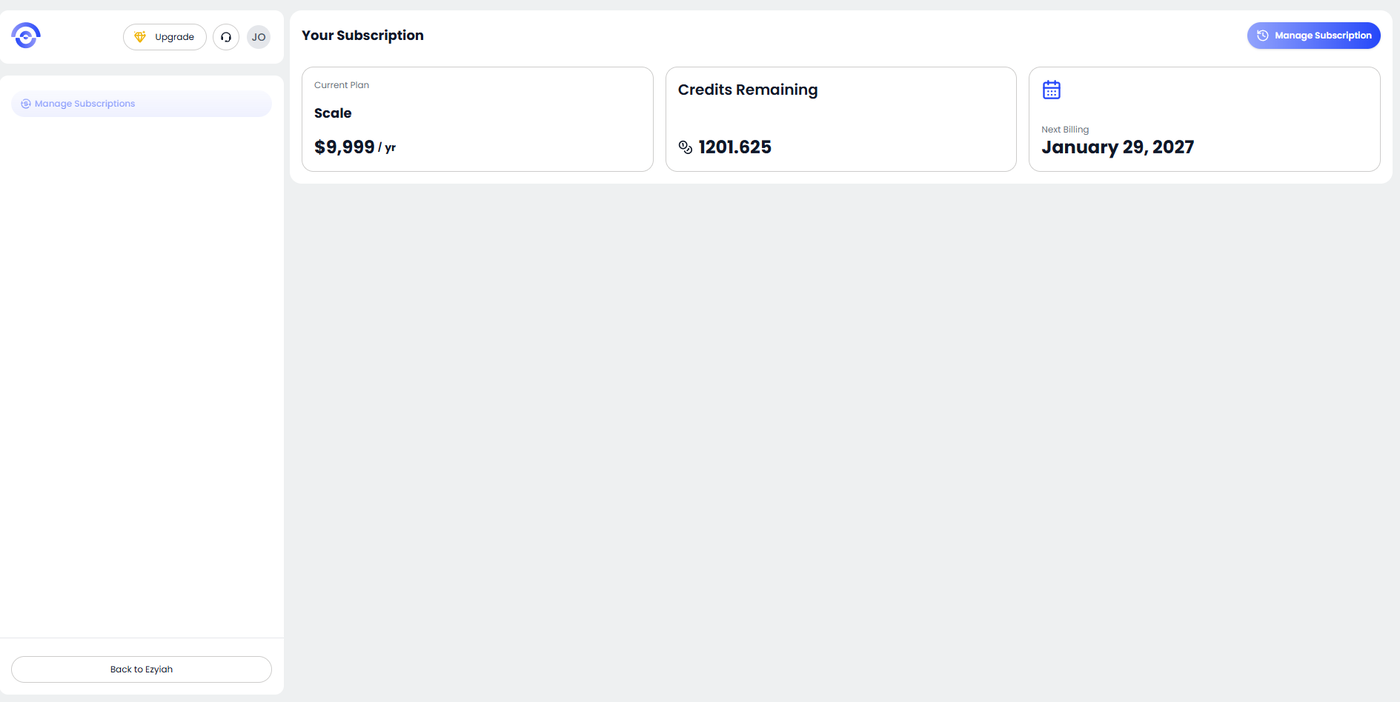
Step 2: Confirm the Cancellation
A confirmation modal will appear to ensure this isn't an accidental click. It will remind you of the impact of cancelling. To proceed, click the red Cancel Subscription button within the popup.
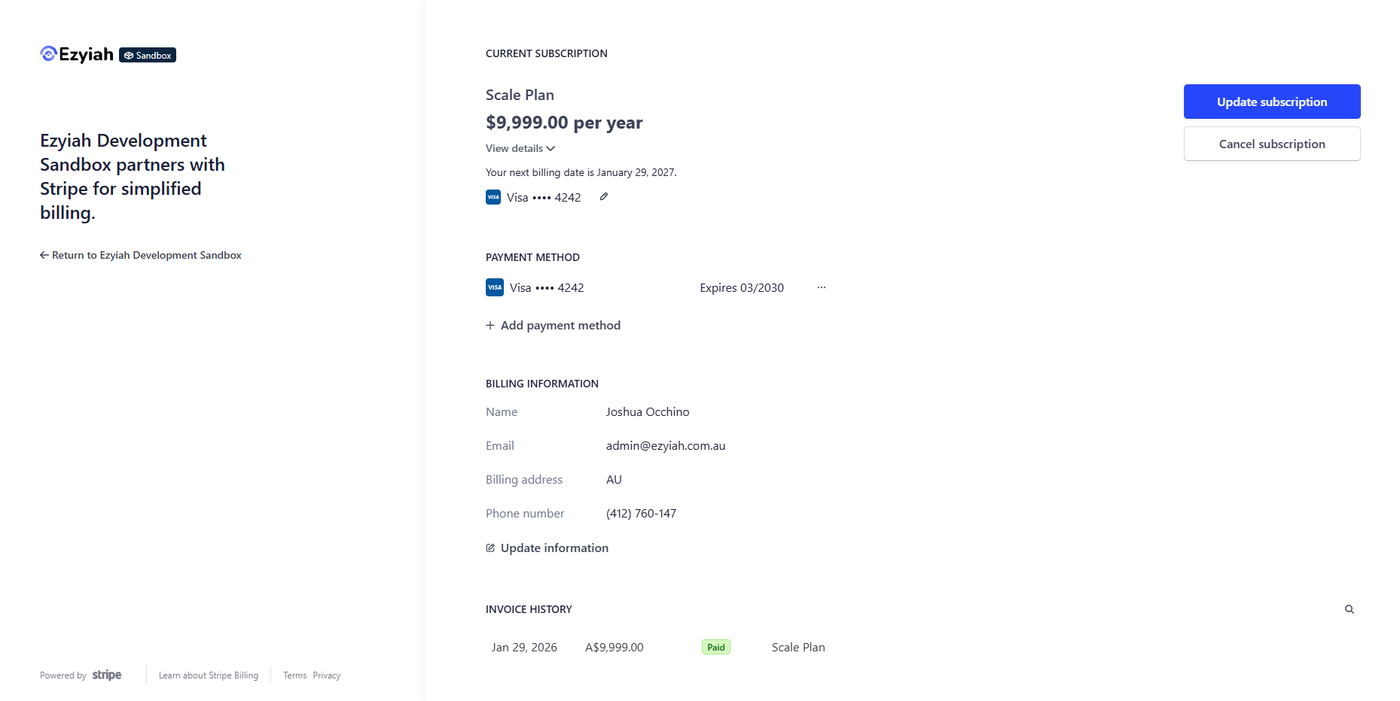
Step 3: Verify Success
Once processed, a success notification will appear at the top of your dashboard stating "Subscription Cancelled." Your plan status will update to reflect that it will not renew at the end of the current period.