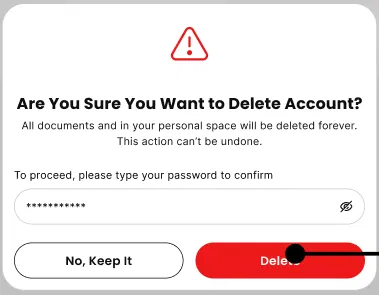
Deleting Your Account
Deleting an account is an irreversible action that removes all firm data, user profiles, and client histories. This should only be performed if you are permanently closing your firm's Ezyiah profile.
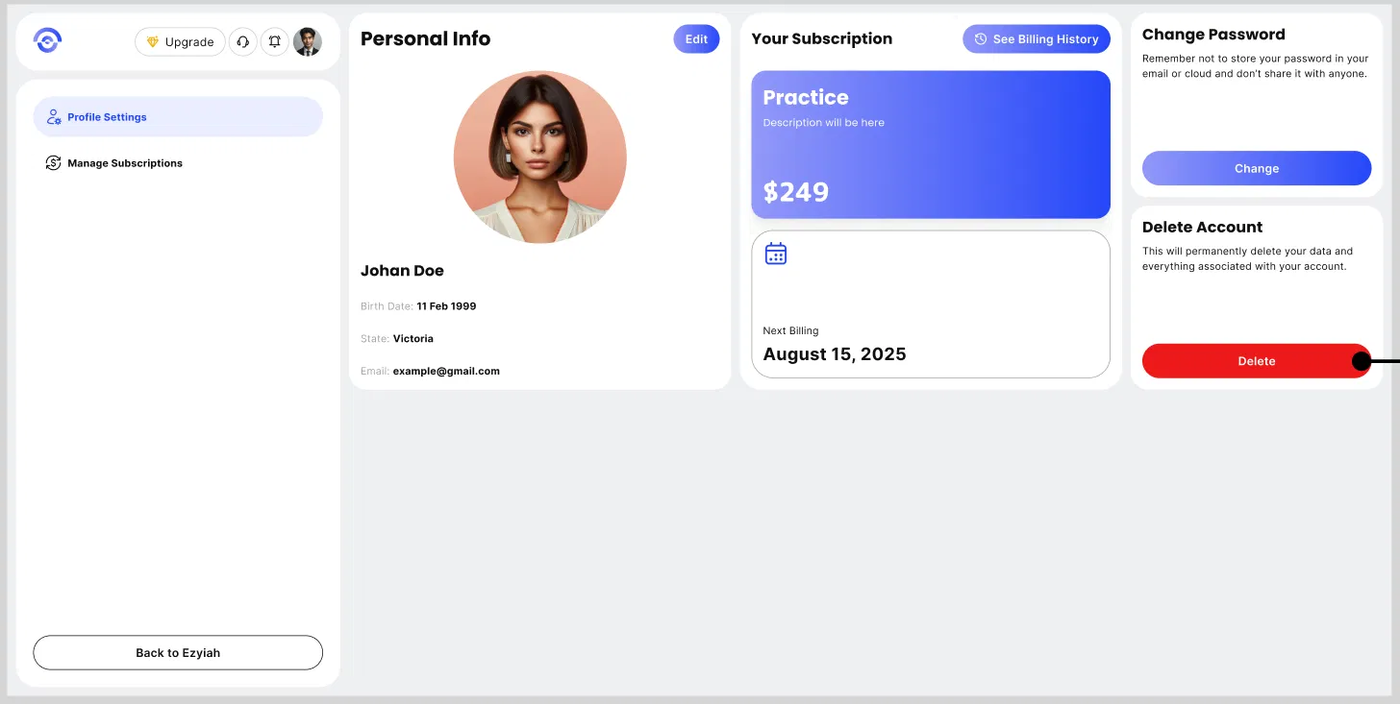
Navigate to the bottom of the Settings > Security page.
Select Delete Account.
Security Challenge: As a safety precaution, the system will prompt you to enter your password one final time.
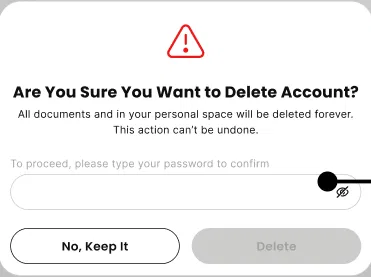
Final Purge: Once confirmed, all data is purged from our active servers in accordance with Australian privacy and data retention laws.