

Filters in Chart of Accounts
The filters at the top of the Chart of Accounts control which transactions appear across all category tiles. Set them in order from left to right: Financial Year, then Frequency, then Period.
Financial Year
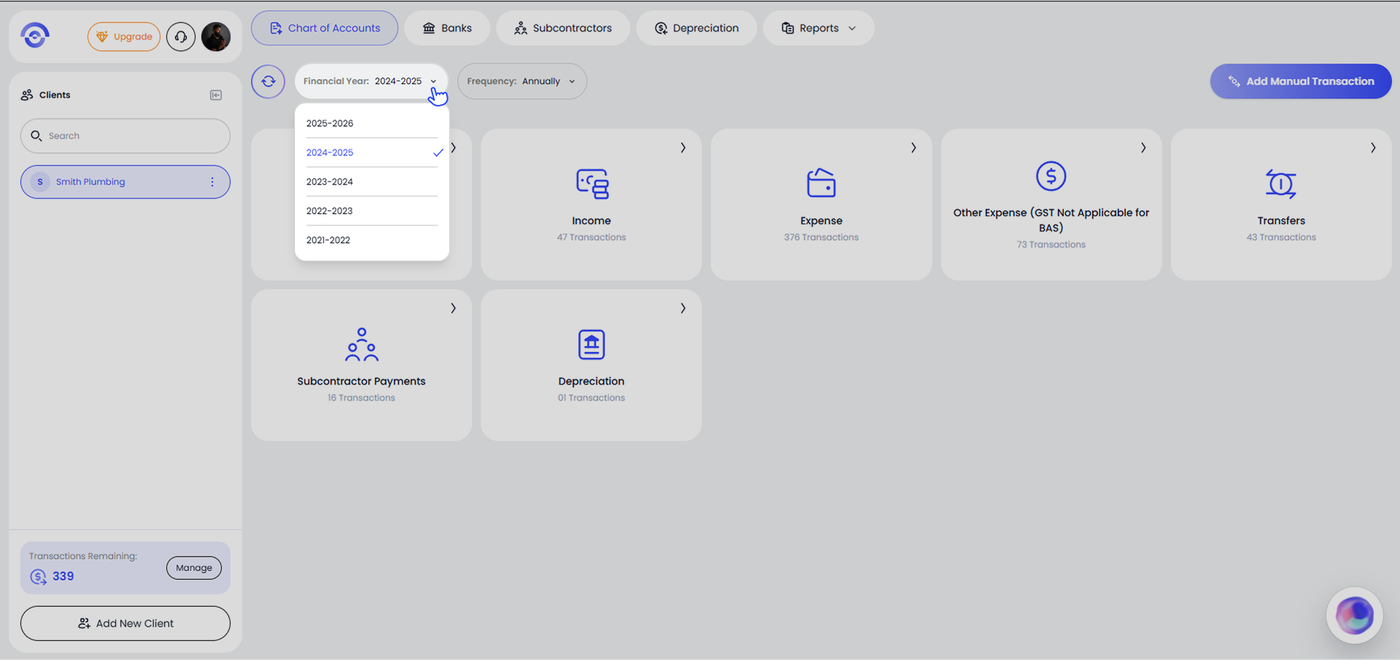
The Financial Year dropdown sets the tax year you want to review.
Click the Financial Year dropdown and select the year you want to review. Years are listed in descending order. The currently selected year shows a tick (✓).
Frequency
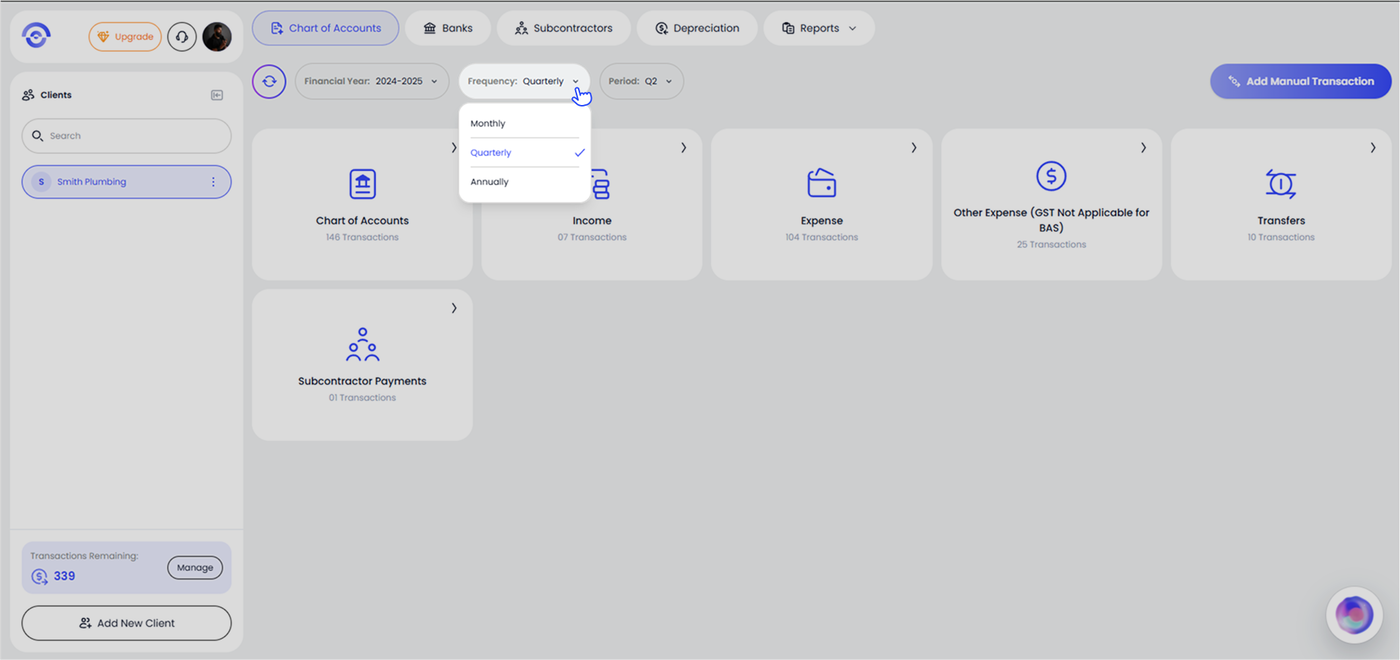
The Frequency dropdown sets how the selected financial year is sliced.
Click the Frequency dropdown and choose one of the three options:
Monthly — view a single month within the selected year
Quarterly — view a single BAS quarter
Annually — view the full financial year
Period
The Period dropdown appears only when Quarterly or Monthly is selected. It is not shown when Frequency is set to Annually.
When Quarterly is selected, choose the BAS quarter you want to review:
Q1 — July, August, September
Q2 — October, November, December
Q3 — January, February, March
Q4 — April, May, June
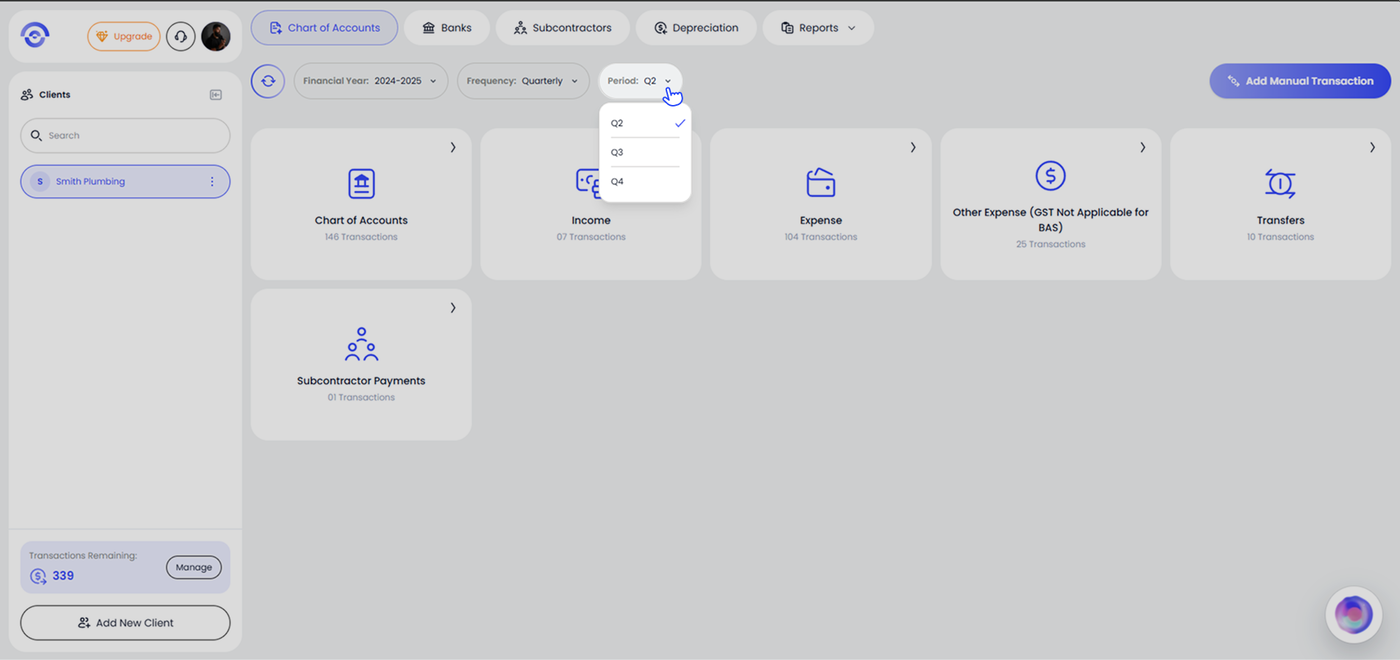
When Monthly is selected, choose the specific month from the dropdown.
Example
To review Q2 of the 2024–2025 financial year (October to December 2024):
Set Financial Year to 2024–2025
Set Frequency to Quarterly
Set Period to Q2
All category tiles update immediately to show transactions within that window only.