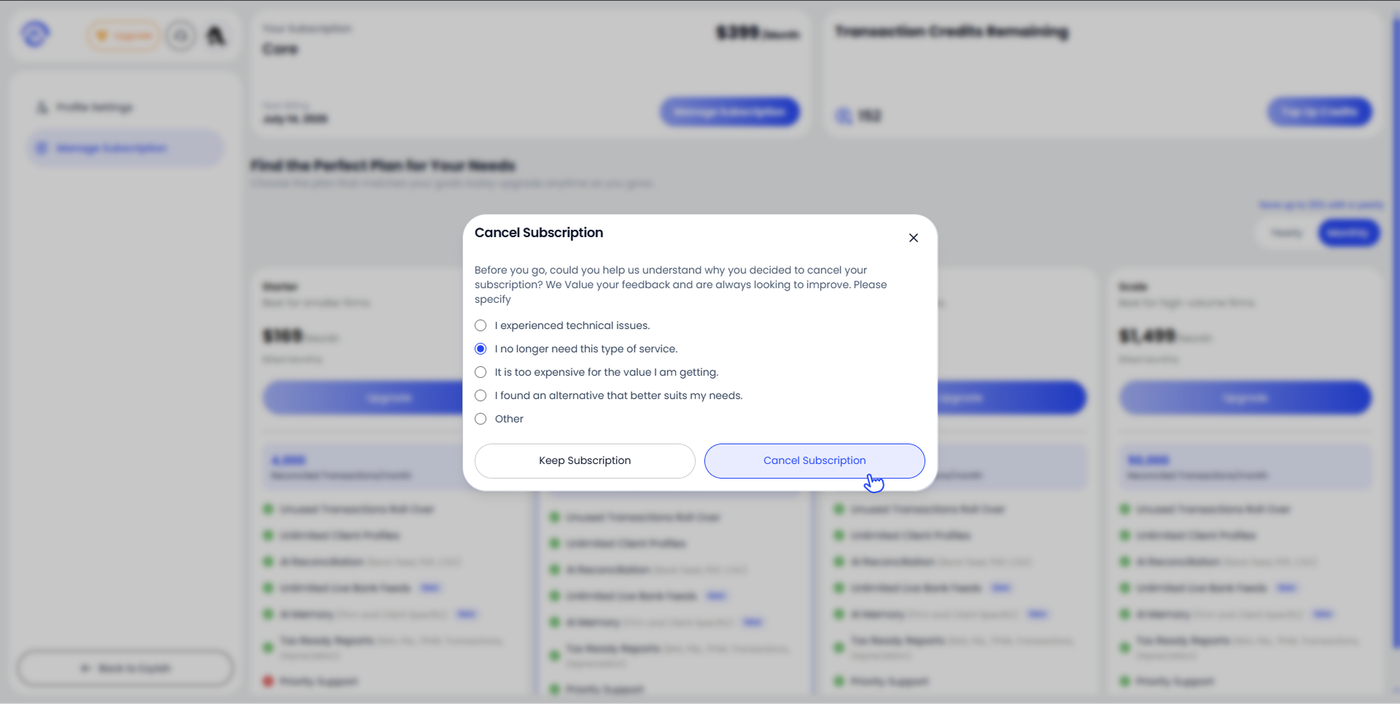
Cancelling Your Subscription
You can cancel your Ezyiah subscription at any time from the Manage Subscription page.
Step 1 — Open Manage Subscription
Click your profile avatar in the top right corner and select Settings. In the left sidebar, click Manage Subscription.
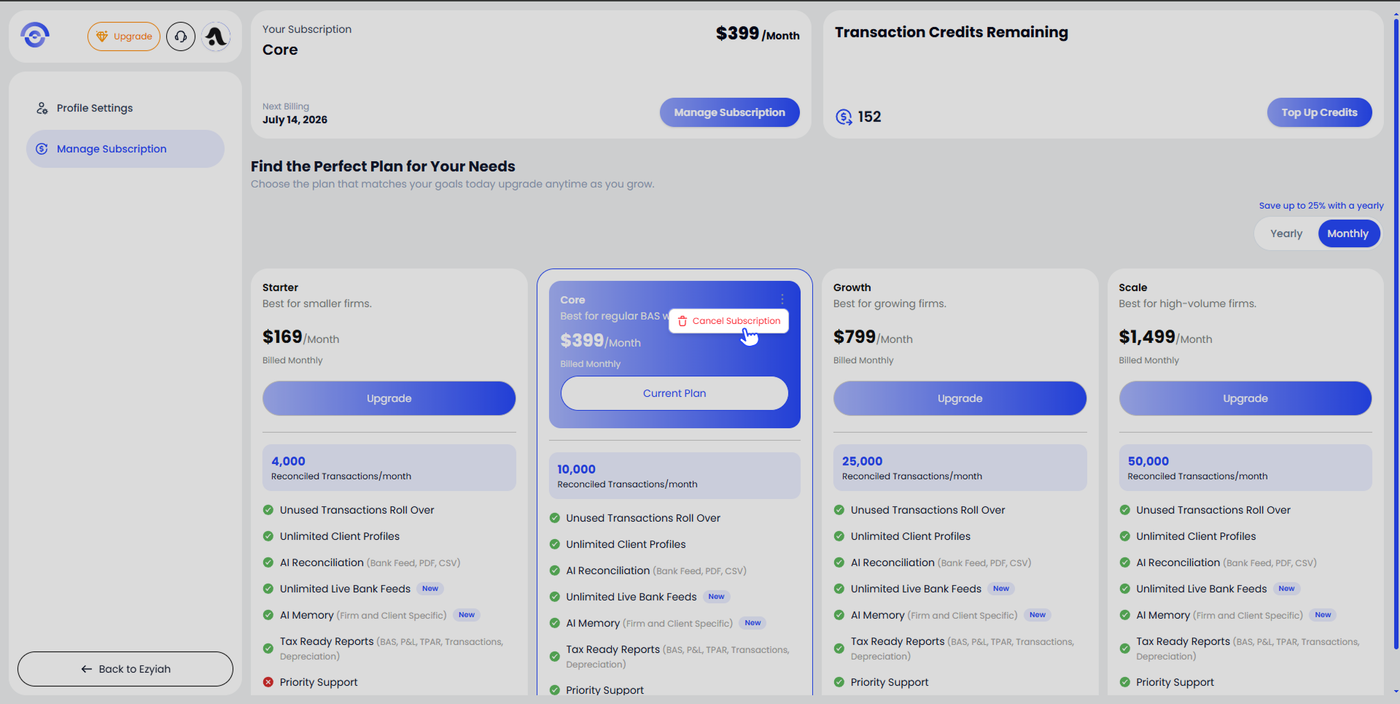
The page shows your current plan, next billing date, transaction credits remaining, and all available plans.
Step 2 — Click Cancel Subscription
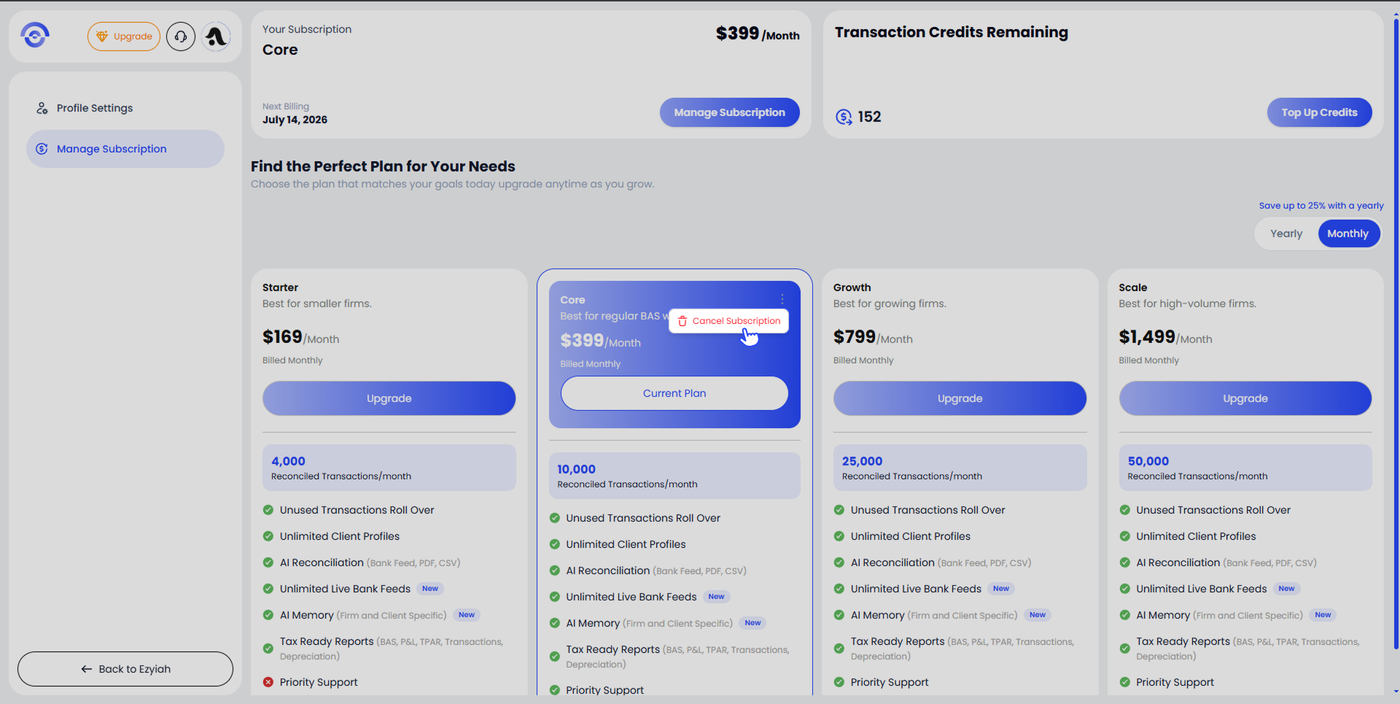
On your current plan card, click the three-dot menu (⋮) in the top right corner of the card. A dropdown appears with a single option: Cancel Subscription. Click it.
Step 3 — Select a Reason and Confirm
The Cancel Subscription modal opens asking for your reason for cancelling. Select the option that best applies:
I experienced technical issues.
I no longer need this type of service.
It is too expensive for the value I am getting.
I found an alternative that better suits my needs.
Other
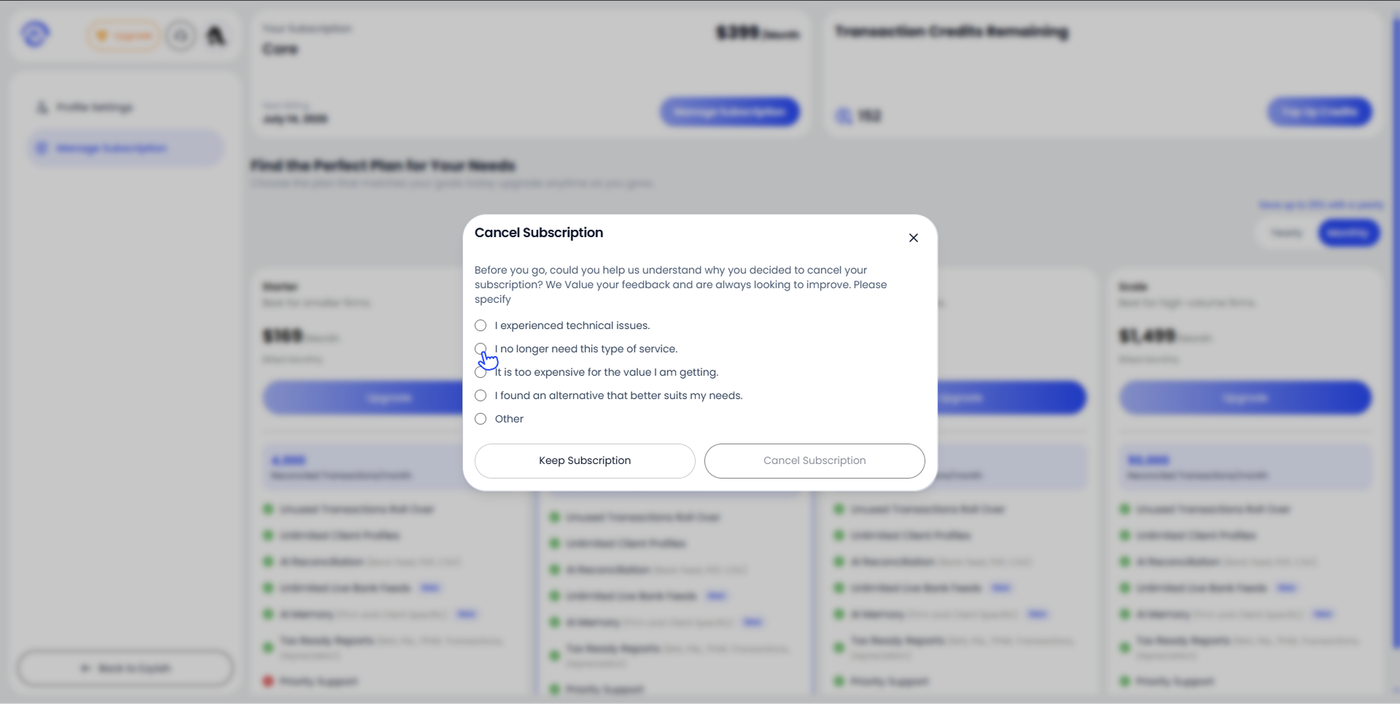
Once you have selected a reason, click Cancel Subscription to confirm. If you change your mind, click Keep Subscription to close the modal and remain on your current plan.