

Run the report
1
Open Reports
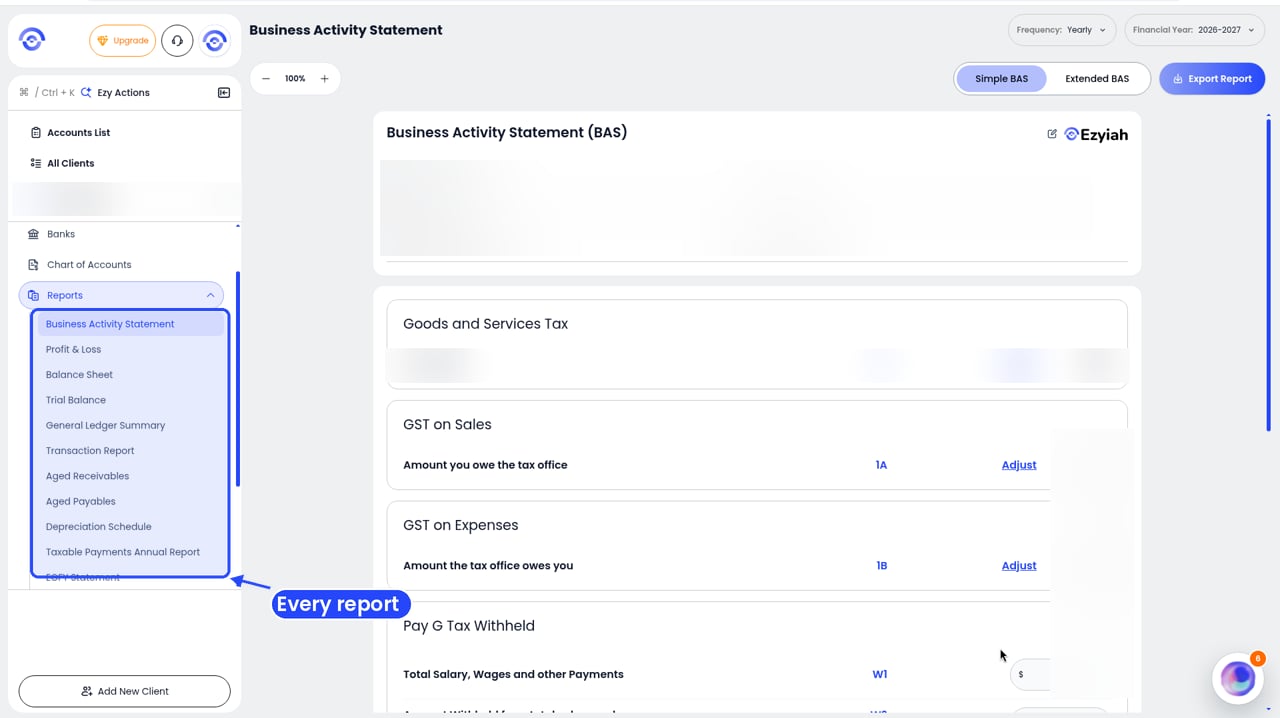
Step 1: Reports in the client's sidebar
2
Click Depreciation Schedule
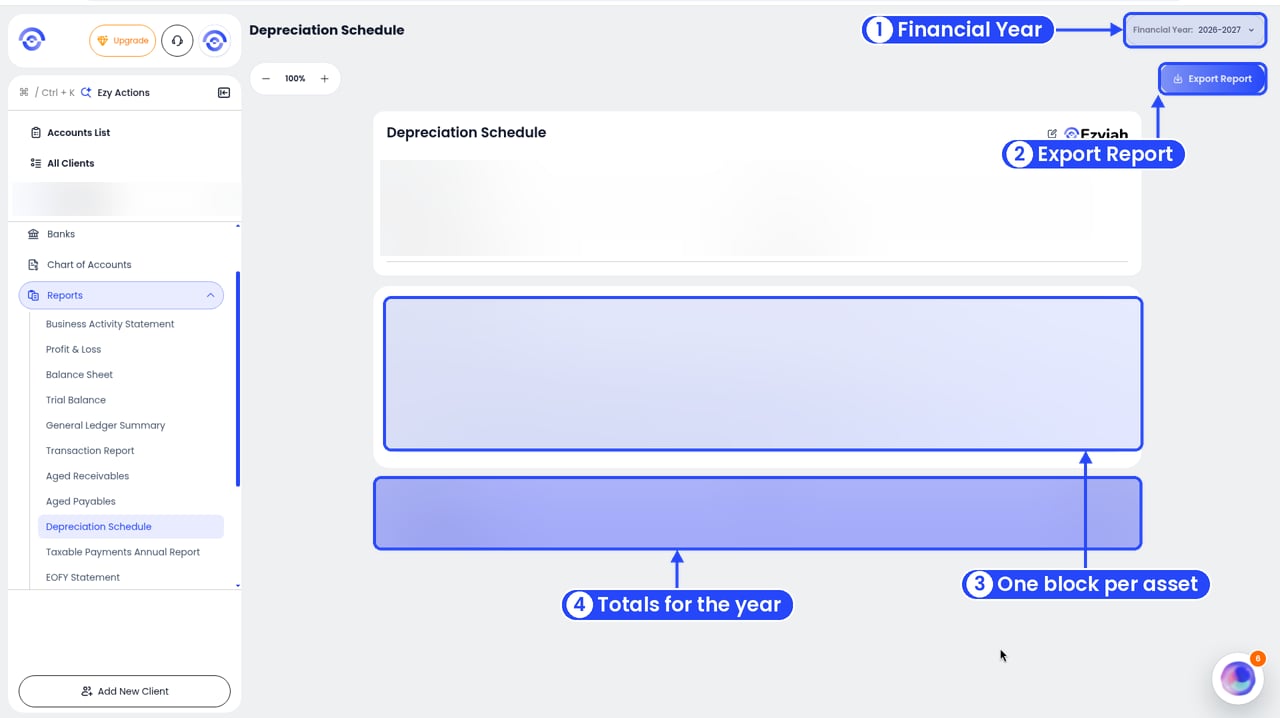
The Depreciation Schedule
3
Pick the year
Use Financial Year in the top right.
Read the report
The top shows the Company Name, Reporting Period and Prepared By. Each asset has its own section with:
The bar at the bottom shows Total Assets, any Disposals and the Total Claimed for Depreciation for the year.