

Run the report
1
Open Reports
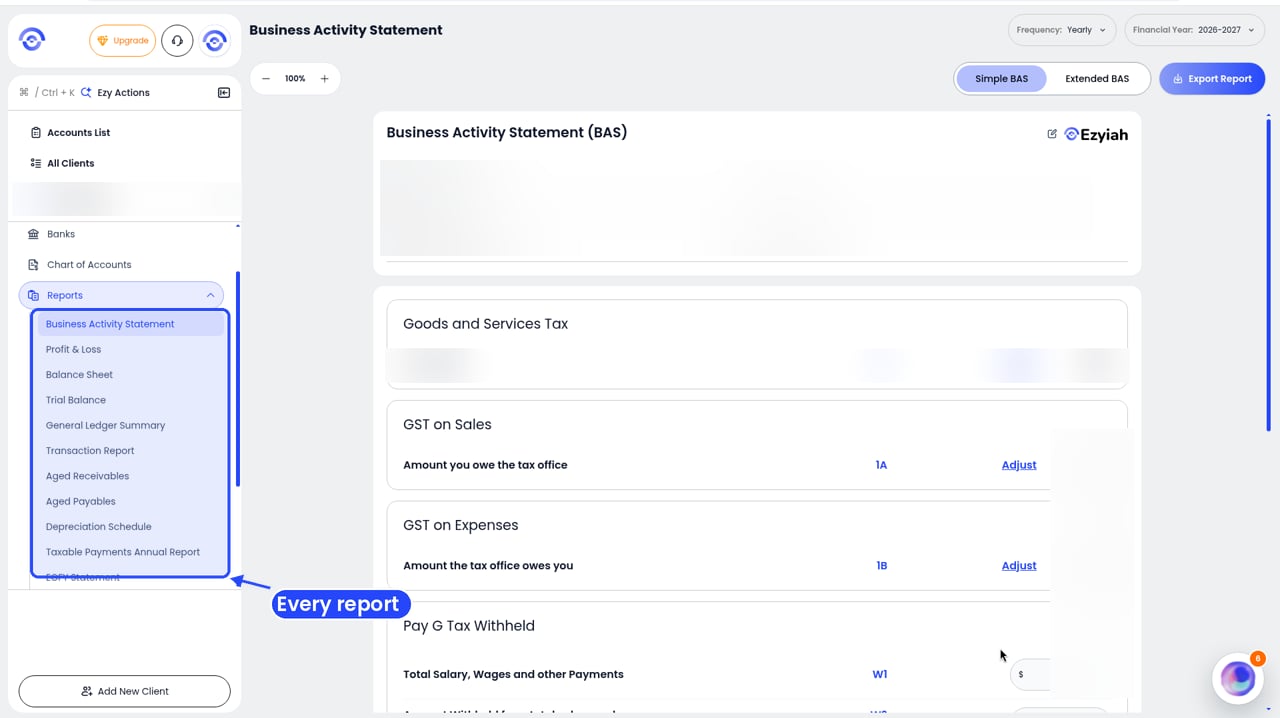
Step 1: Reports in the client's sidebar
2
Click Trial Balance
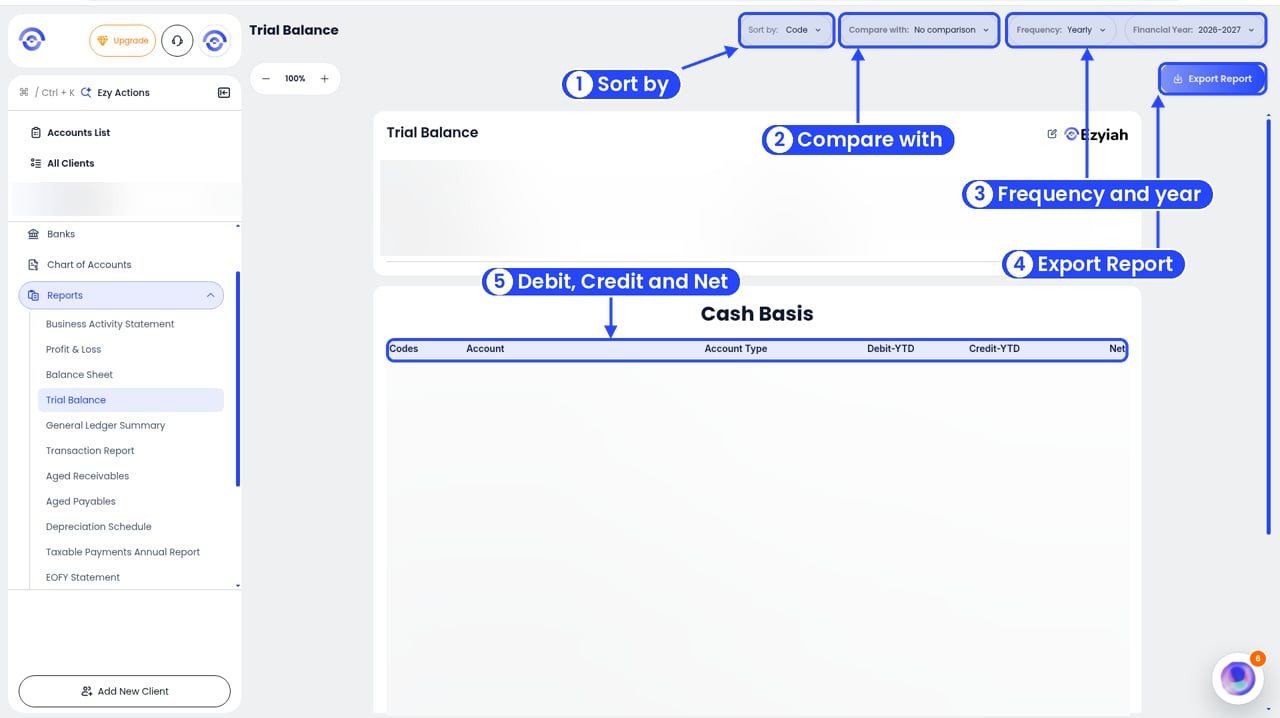
The Trial Balance report
3
Pick the period and order
Use Sort by (for example Code), Compare with, Frequency and Financial Year in the top right.
Read the report
The top shows the Company Name, Reporting Period and Prepared By. Accounts are listed under a heading like Cash Basis, with these columns: Codes, Account, Account Type, Debit-YTD, Credit-YTD and Net. Account types include Income, Expense, Assets, Contra Assets and Liabilities.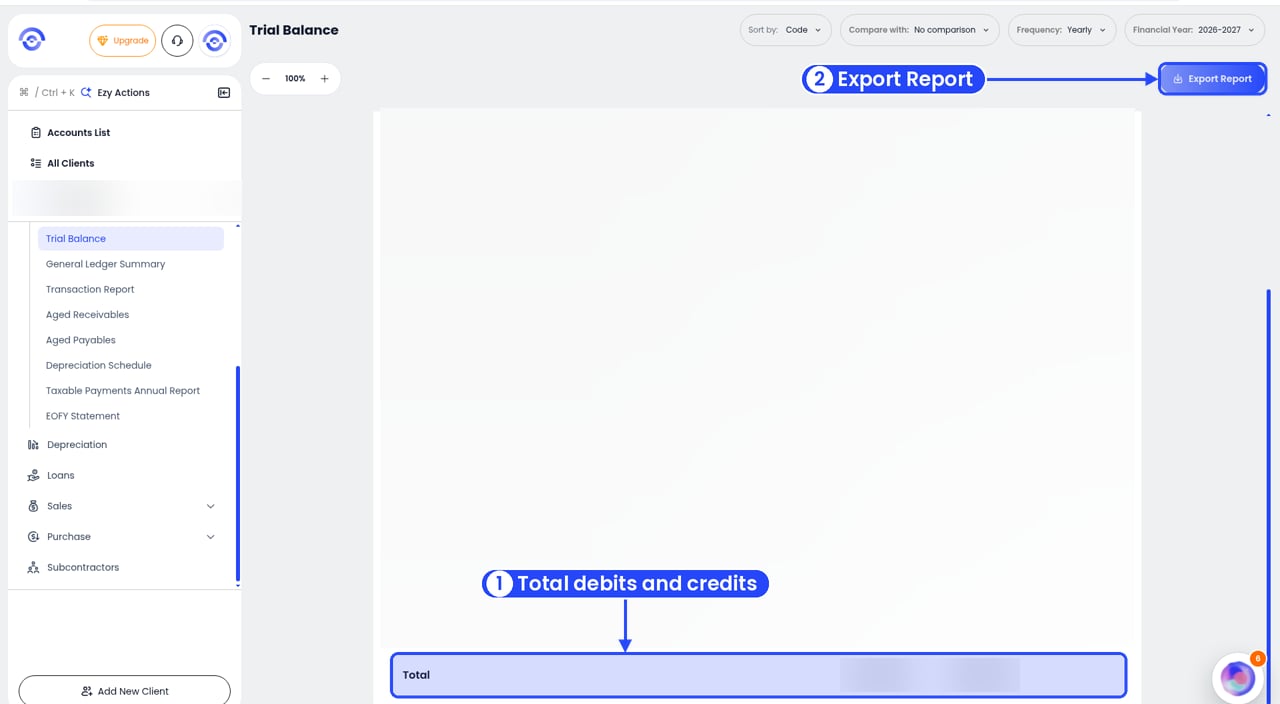
The Total row: debits and credits should match